Native by construction
React elements become SwiftUI and WinUI controls. Platform layout, focus, accessibility, and dark mode stay native.
React 19 · SwiftUI · WinUI 3
Build desktop interfaces with React and TypeScript, then render the platform's real controls. No webview, no Electron, no second layout engine.
npx create-natui-app@latest<VStack spacing={14} padding={20} alignment="leading">
<HStack spacing={8} alignment="center">
<Image systemName="atom" color="#e94f37" />
<Text font="largeTitle" weight="bold">NatUI</Text>
</HStack>
<HStack spacing={10} alignment="center">
<Button onPress={() => setCount((c) => c - 1)}>−</Button>
<Text font="title2" monospaced>{String(count)}</Text>
<Button onPress={() => setCount((c) => c + 1)}>+</Button>
</HStack>
<List>
{todos.map((todo) => (
<Toggle key={todo.id} value={todo.done}>{todo.label}</Toggle>
))}
</List>
<Slider value={volume} onChange={setVolume} />
<ProgressView value={volume / 100} />
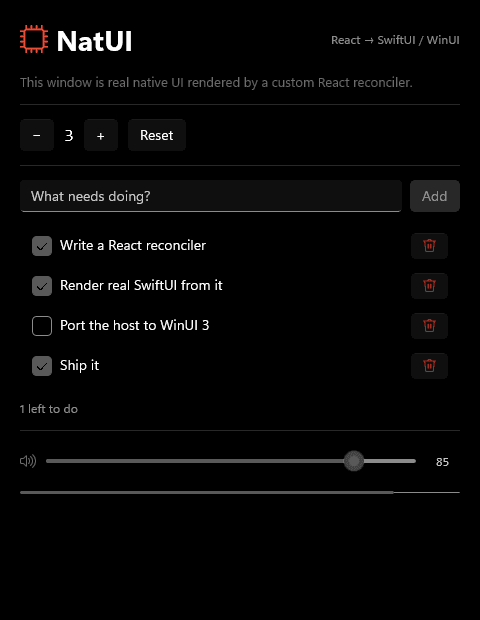
</VStack>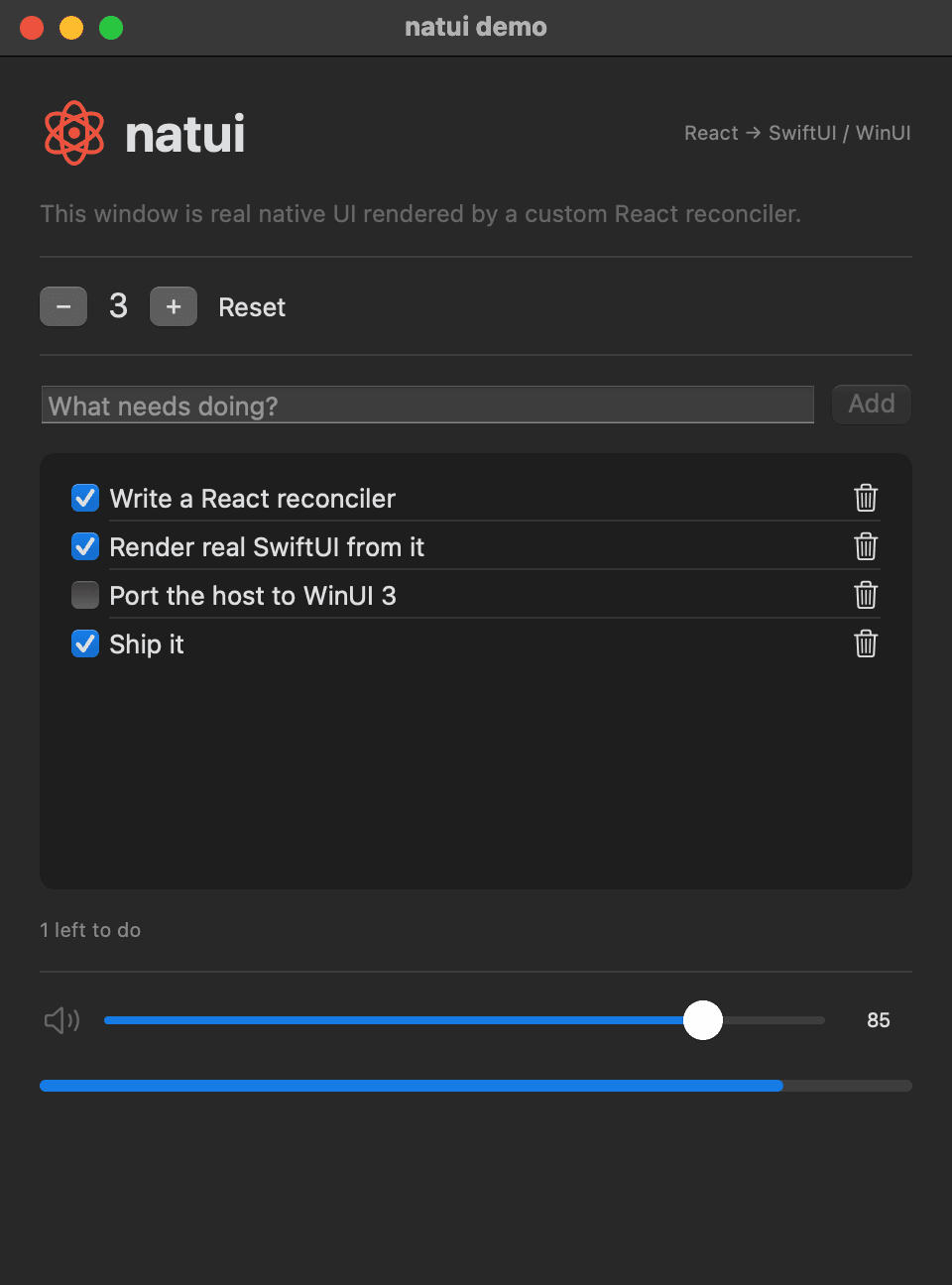
A deliberately small bridge
NatUI sends a compact tree of typed operations to a native host. It does not recreate a browser or impose web layout rules.
React elements become SwiftUI and WinUI controls. Platform layout, focus, accessibility, and dark mode stay native.
Use the same TypeScript props for layout, controls, menus, navigation, data, and presentation on both platforms.
Hooks and reconciliation work as expected, and protocol-level sequence acknowledgements keep controlled inputs stable.
Develop through the Node host bridge, or run an embedded JavaScript bundle in-process with JavaScriptCore on macOS and V8 on Windows.
One React tree, two honest platforms
The API stays consistent; SwiftUI and WinUI preserve their own typography, spacing, controls, and interaction language.
How a commit travels
Project generator ready